

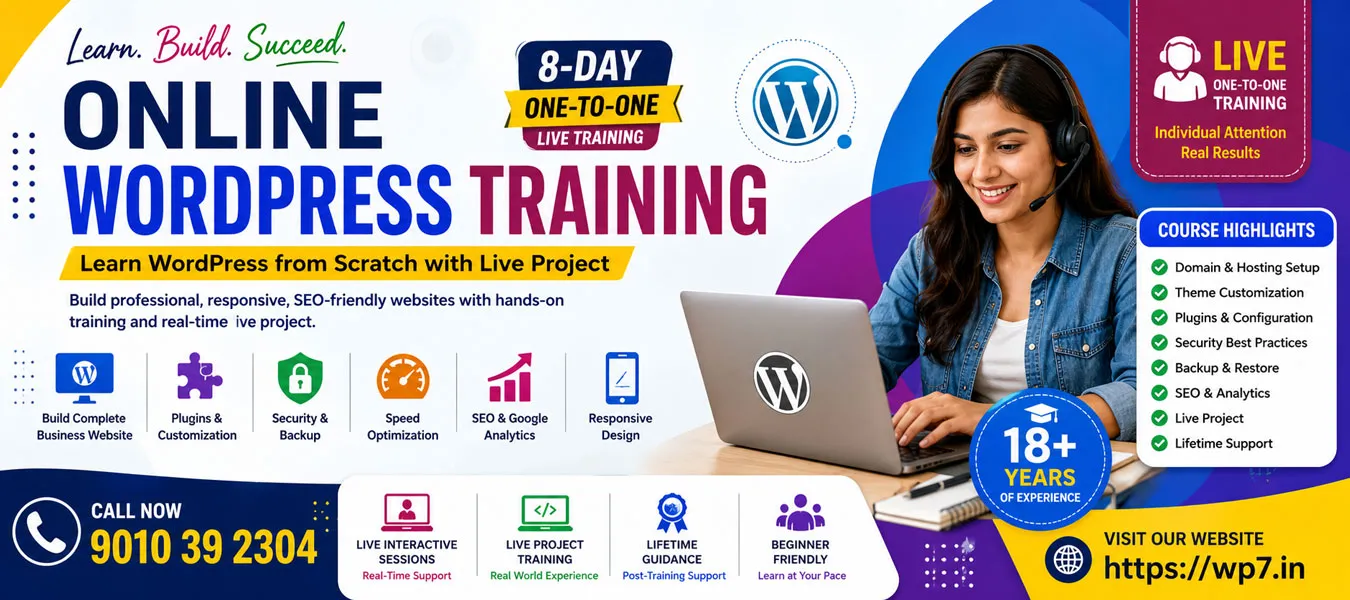
Learn WordPress from Scratch with Live Project.
Looking for the best Online WordPress Training that helps you build professional websites from scratch? Our 8-Day One-to-One Online WordPress Training Program is specially designed for students, job seekers, freelancers, entrepreneurs, and business owners who want to master WordPress website development through practical learning.
Unlike recorded video courses, this is a live instructor-led training where every session is conducted one-to-one. You receive individual attention, hands-on guidance, and real-time support while designing websites.
By the end of this course, you will have the confidence to create, manage, optimize, secure, and maintain professional WordPress websites independently.
Why Choose Our Online WordPress Training?
Our training is completely practical and project-oriented. Every concept is explained with live demonstrations so that you can understand the complete website development process.
Course Highlights
- Live One-to-One Online Training
- Beginner to Advanced WordPress Concepts
- Build a Complete Business Website
- Domain & Web Hosting Setup
- Professional WordPress Theme Customization
- Plugin Installation & Configuration
- WordPress Security Best Practices
- Website Backup & Restore
- Website Speed Optimization
- Basic Search Engine Optimization(SEO)
- Google Analytics Integration
- Responsive Website Design
- Lifetime Technical Guidance
- Training by an Expert with 18+ Years of Experience
- Real-Time Live Project
What You Will Learn
During this Online WordPress Course, you will learn every essential aspect required to build and manage professional websites.
WordPress Basics
- Installing WordPress
- WordPress Dashboard
- Website Settings
- Permalink Structure
- User Management
- Pages and Posts
- Categories and Tags
- Media Library
Website Design
- Theme Installation
- Theme Customization
- Navigation Menus
- Widgets
- Homepage Design
- Blog Page Setup
- Contact Page Creation
- Image and Video Management
WordPress Plugins
Learn how to install, configure, and use essential plugins including:
- Contact Form Plugin
- All in One SEO Plugin
- Backup Plugins
- Security Plugins
- Performance Optimization Plugins
- Sitemap Generator
- Google Analytics Integration
Website Management
You will also learn:
- Password Management
- Comment Moderation
- Blog Scheduling
- Homepage Configuration
- Blog Settings
- Search Engine Visibility
- CSS Customization
- Speed Optimization
- Backup and Restore
- Website Maintenance
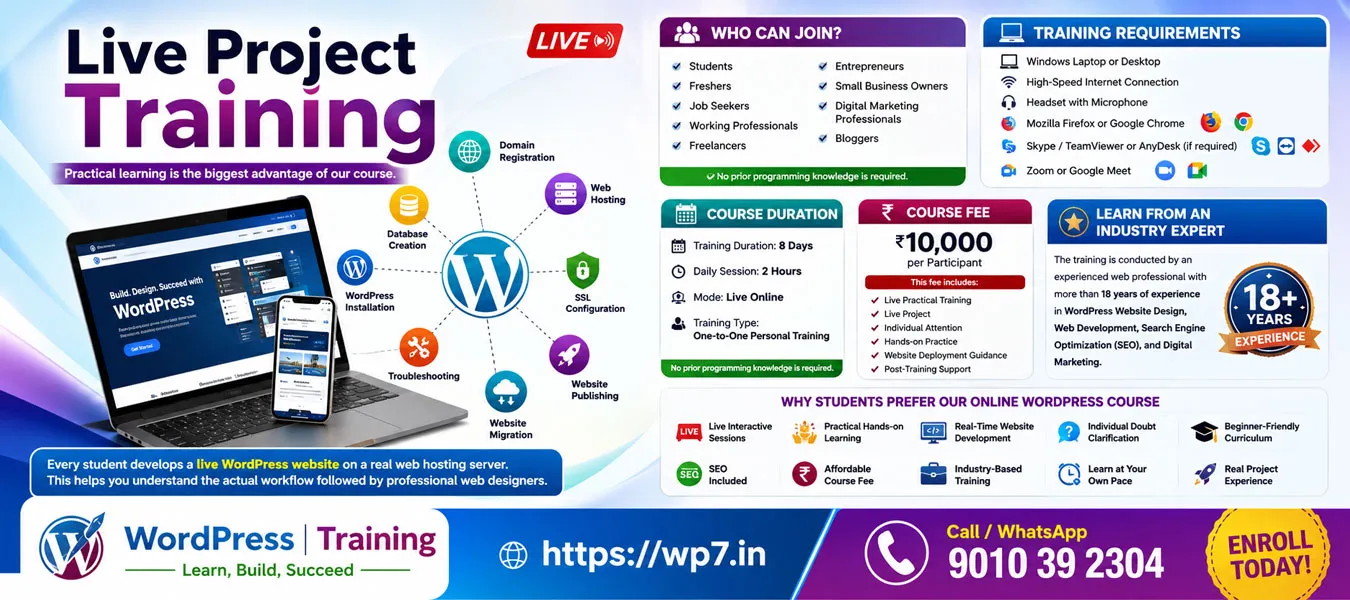
Live Project Training
Practical learning is the biggest advantage of our course.
Every student develops a live WordPress website on a real web hosting server. This helps you understand the actual workflow followed by professional web designers.
During the project, you will learn:
- Domain Registration
- Web Hosting
- File Manager
- Database Creation
- WordPress Installation
- SSL Configuration
- Website Publishing
- Troubleshooting
- Website Migration
- Website Backup
Working on a live project gives you real-world experience and prepares you for freelance projects and client work.
Who Can Join?
This course is ideal for:
- Students
- Freshers
- Job Seekers
- Working Professionals
- Freelancers
- Entrepreneurs
- Small Business Owners
- Digital Marketing Professionals
- Bloggers
No prior programming knowledge is required.
Training Requirements
To attend the online sessions, you need:
- Windows Laptop or Desktop
- High-Speed Internet Connection
- Headset with Microphone
- Mozilla Firefox or Google Chrome
- Skype / TeamViewer or AnyDesk (if required)
- Zoom or Google Meet
No prior programming knowledge is required.
Course Duration
- Training Duration: 8 Days
- Daily Session: 2 Hours
- Mode: Live Online
- Training Type: One-to-One Personal Training
No prior programming knowledge is required.
Course Fee
₹10,000 per Participant
This fee includes:
- Live Practical Training
- Live Project
- Individual Attention
- Hands-on Practice
- Website Deployment Guidance
- Post-Training Support
For Details CALL ME: 9010392034
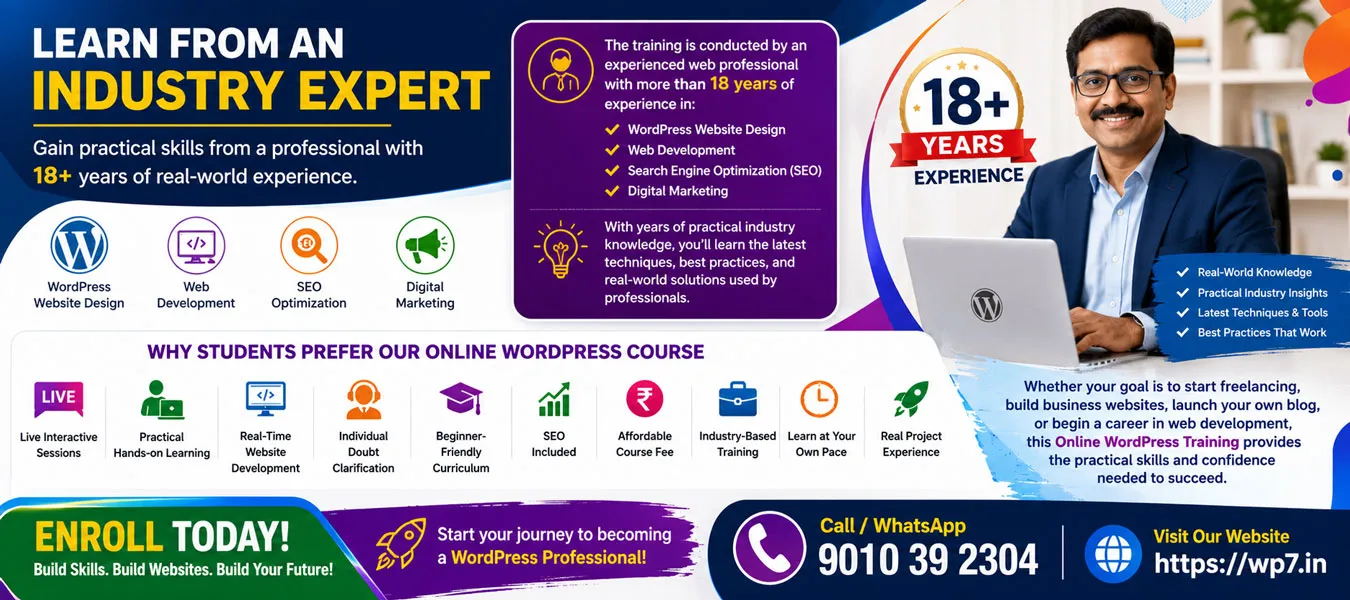
Learn from an Industry Expert
The training is conducted by an experienced web professional with more than 18 years of experience in WordPress Website Design, Web Development, Search Engine Optimization (SEO), and Digital Marketing.
With years of practical industry knowledge, you’ll learn the latest techniques, best practices, and real-world solutions used by professionals.
Why Students Prefer Our Online WordPress Course
- Live Interactive Sessions
- Practical Hands-on Learning
- Real-Time Website Development
- Individual Doubt Clarification
- Beginner-Friendly Curriculum
- SEO Included
- Affordable Course Fee
- Industry-Based Training
- Learn at Your Own Pace
- Real Project Experience
Whether your goal is to start freelancing, build business websites, launch your own blog, or begin a career in web development, this Online WordPress Training provides the practical skills and confidence needed to succeed.
Enroll today and start creating professional, responsive, SEO-friendly WordPress websites from the comfort of your home.
Helpful Resources
To understand WordPress and related technologies better, you can explore these trusted resources:
You may also find these pages on WP7.IN helpful:
- UI UX Design in WordPress
- WordPress Speed Optimization
- Elementor Training
- AI for WordPress
- Website Speed Optimization
- One-To-One WordPress Training
- Freelancing with WordPress
These internal pages provide additional information about different learning options and course modules.
Some Related Pages About WordPress Learning
To build complete WordPress expertise, explore these learning resources:
FAQ’s
Online WordPress Training is a live course where you learn to build, manage, and publish WordPress websites from anywhere.
Yes. This is a live one-to-one training program with personalized guidance from the trainer.
No. You do not need any coding knowledge. The course is designed for complete beginners.
Yes. You will create and launch a live WordPress website as part of the training.
The course duration is 8 days, with practical hands-on sessions.
Please contact us for the latest course fee and available offers. Call: 9010 39 2034
Yes. The course includes basic WordPress SEO to help improve your website’s visibility in search engines.
Yes. Post-training support is available to help you with your questions and projects.
Students, freelancers, business owners, bloggers, and job seekers can join this course.
Yes. You will learn website hosting, domain setup, backups, and website migration through practical exercises.