

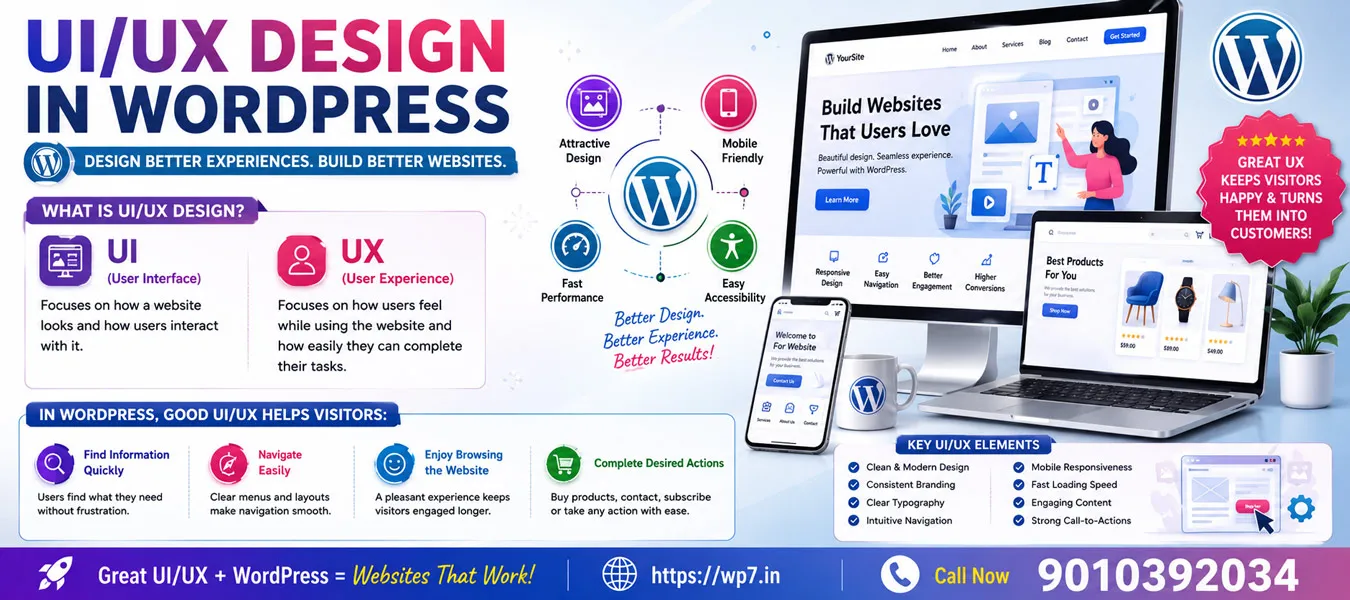
UI/UX Design in WordPress
What is UI/UX Design?
UI (User Interface) focuses on how a website looks and how users interact with it.
UX (User Experience) focuses on how users feel while using the website and how easily they can complete their tasks.
In WordPress, good UI/UX helps visitors:
- Find information quickly
- Navigate easily
- Enjoy browsing the website
- Complete desired actions (buy products, contact, subscribe, etc.)

1. User Interface (UI) Design
Definition
User Interface (UI) Design is the process of designing the visual appearance of a website, including buttons, menus, forms, icons, images, fonts, colors, and layouts.
Simply,
UI is everything users can see and click on a website.
In WordPress, UI is created using:
- Themes
- Page Builders (Elementor, Visual Composer, Gutenberg, Divi)
- CSS
- Plugins
UI Elements
1. Buttons
Buttons help users perform actions.
Examples:
- Buy Now
- Add to Cart
- Contact Us
- Register
- Login
Good Button
[ Buy Now ]
Bad Button
Click Here
Because users don’t know what happens after clicking.
2. Navigation Menu
Menus help users move around the website.
Examples:
- Home
- About
- Services
- Blog
- Contact
In WordPress
Appearance → Menus
or
Appearance → Editor → Navigation
Because users don’t know what happens after clicking.
3. Forms
Forms collect user information.
Examples:
- Contact Form
- Registration Form
- Newsletter Signup
Plugins
- Contact Form 7
- WPForms
- Fluent Forms
4. Icons
Icons improve understanding.
Examples:
- Phone
- Shopping Cart
- Search
5. Images
Images improve visual appeal.
Examples:
Restaurant website
Instead of writing
“We sell pizza”
Use
Picture of delicious pizza
Users understand instantly.
UI Best Practices
✔ Simple design
✔ Consistent colors
✔ Readable fonts
✔ Proper spacing
✔ Clear buttons
✔ Attractive images
Example
Bad UI
Tiny buttons
Many colors
Small text
No spacing
Good UI
Large buttons
Good spacing
Simple colors
Easy navigation

2. User Experience (UX)
Definition
User Experience is how users feel while using a website.
It focuses on:
- Ease of use
- Speed
- Satisfaction
- Accessibility
- Navigation
Good UX means users can finish their tasks without confusion.
Example
Suppose someone wants to buy shoes.
Good UX
Home
↓
Shop
↓
Select Shoes
↓
Add to Cart
↓
Checkout
↓
Payment
Simple.
Bad UX
Home
↓
Advertisements
↓
Popups
↓
Hidden Shop
↓
Confusing Checkout
User leaves.
UX Goals
- Fast loading
- Easy navigation
- Mobile friendly
- Clear information
- Less scrolling
- Less clicking